

Plain-language privacy
The privacy policy explains what the website and add-ins use, store, and connect to.
Pixeltools builds focused Revit plugins. Clean, predictable, and built to save real time on real jobs. No clutter, no relearning your software.

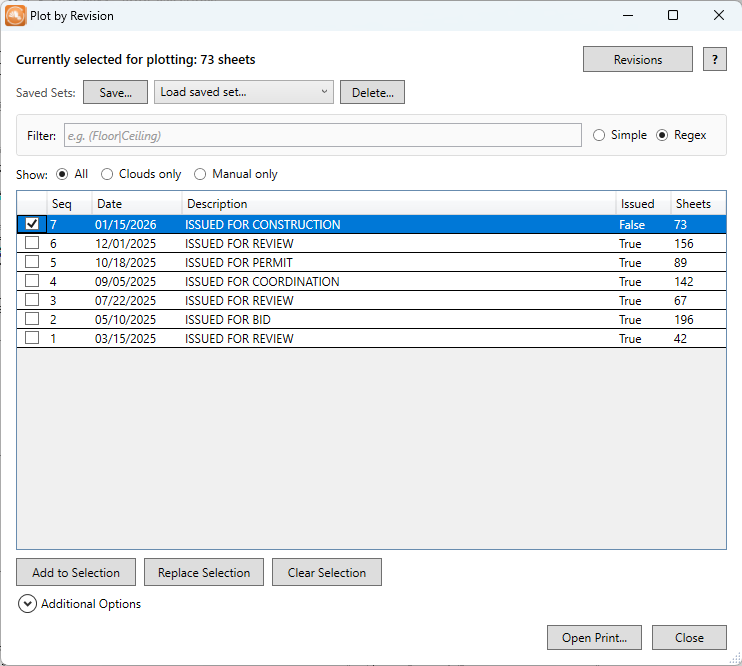
Find the sheets for an ASI, addendum, or revision package and send them to Revit Print. Use revisions, schedules, or sheet parameters.
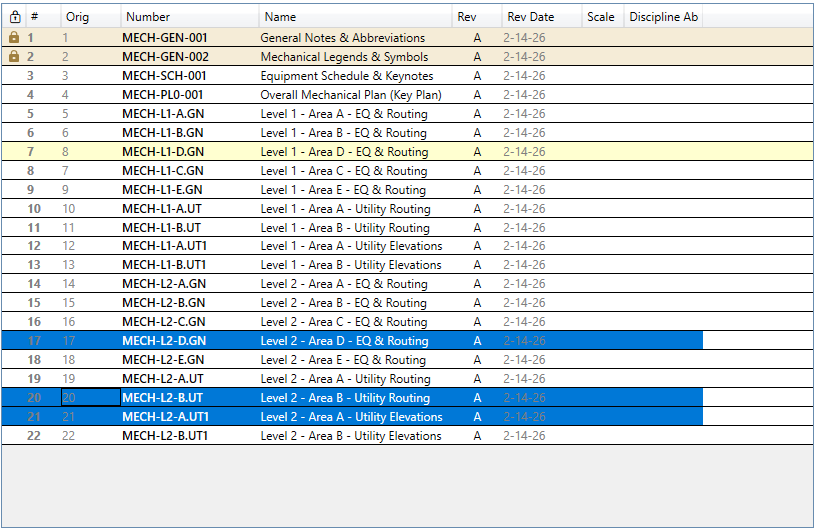
Drag, lock, and save print order the way you actually think about a set. Undo, smart natural sorting, filtering, and export. No more fighting the up/down arrows.

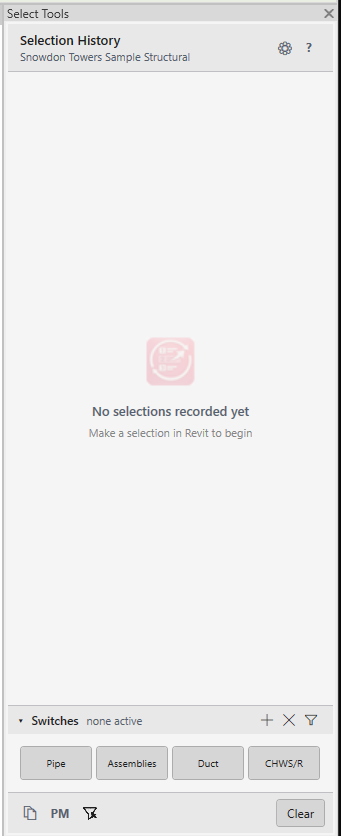
Stop losing picks. Bring back old selections in one click, keep only the trade you need from a box select, and turn the foreman's spool list into selected Revit elements. No rebuilding the same set twice.

Place accurate dimensions directly in 3D views, no manual work-plane setup. Plane cycling, sticky mode, and dimension inheritance keep you moving.
Adjust clashes in Navisworks, hit Submit, and Revit updates instantly. Resolve coordination where you spot it, then push the moves back to the model instead of redoing them by hand.
If something in Revit costs you ten clicks when it should cost one, tell me about it. No promises on timing. That's where every tool here started.
Getting-started guides, full feature references, and troubleshooting for every tool, written in plain English by the person who built it.
Email support, structured bug reports, and feature requests go straight to the person who built the tool.